

A smart home is a home where everyday devices like lights, locks, thermostats and cameras are connected to a network so you can control them from your phone, by voice, or automatically. What makes it “smart” isn’t any single gadget but the automations: devices reacting to time, sensors or each other without you lifting a finger.
If you’ve ever wondered whether a smart home is worth it, where you’d even start, or why the bulb you bought won’t talk to your speaker, you’re in the right place. This guide explains how a smart home actually works today, including Matter and Thread, how to pick an ecosystem, the honest downsides, and a simple first-three-devices plan that works for homeowners and renters alike.
What does “smart home” actually mean?
There’s no official threshold. One smart plug on a timer technically makes your home “smart,” and so does a house with 150 connected devices. In practice, people use the term for a home where:
- Devices are connected: they join your home network (or a low-power network of their own).
- You can control them remotely: from an app, a voice assistant, a wall panel or a button.
- They can act on their own: through schedules and automations you set up.
The third point is the one that matters. A light you can turn off from your phone is convenient. A light that turns itself off when the last person leaves is a smart home. You’ll also see the terms home automation and connected home; they mean essentially the same thing.
How does a smart home work?
Every smart home, from a single plug to a whole-house setup, is built from the same five layers.
1. Devices (sensors and actuators)
Devices either sense something (motion, temperature, a door opening, water on the floor) or do something (switch a light, lock a door, adjust the heat). Most smart homes are a mix of both, and the magic happens when a sensor tells an actuator what to do.
2. Connectivity: how devices talk
This is where most beginner confusion comes from. Here’s each protocol in one plain line:
- Wi-Fi: devices join your existing router, with no extra hub, but they use more power and can crowd your network.
- Bluetooth: short-range and simple; mostly used for initial setup or single-room devices.
- Zigbee: a low-power mesh network where devices relay signals to each other; needs a Zigbee hub.
- Z-Wave: a similar low-power mesh that runs on a separate radio band from Wi-Fi, so it avoids interference; needs a Z-Wave hub.
- Thread: a newer low-power mesh that speaks internet protocol (IP) natively and connects to your network through a “border router” built into many recent smart speakers, displays and streaming boxes.
Why does mesh matter? In a mesh network, plugged-in devices like bulbs and switches pass messages along for each other, so coverage gets stronger as you add devices instead of weaker. Battery sensors on Zigbee or Thread can also last a long time compared with Wi-Fi versions.
3. Hubs and controllers
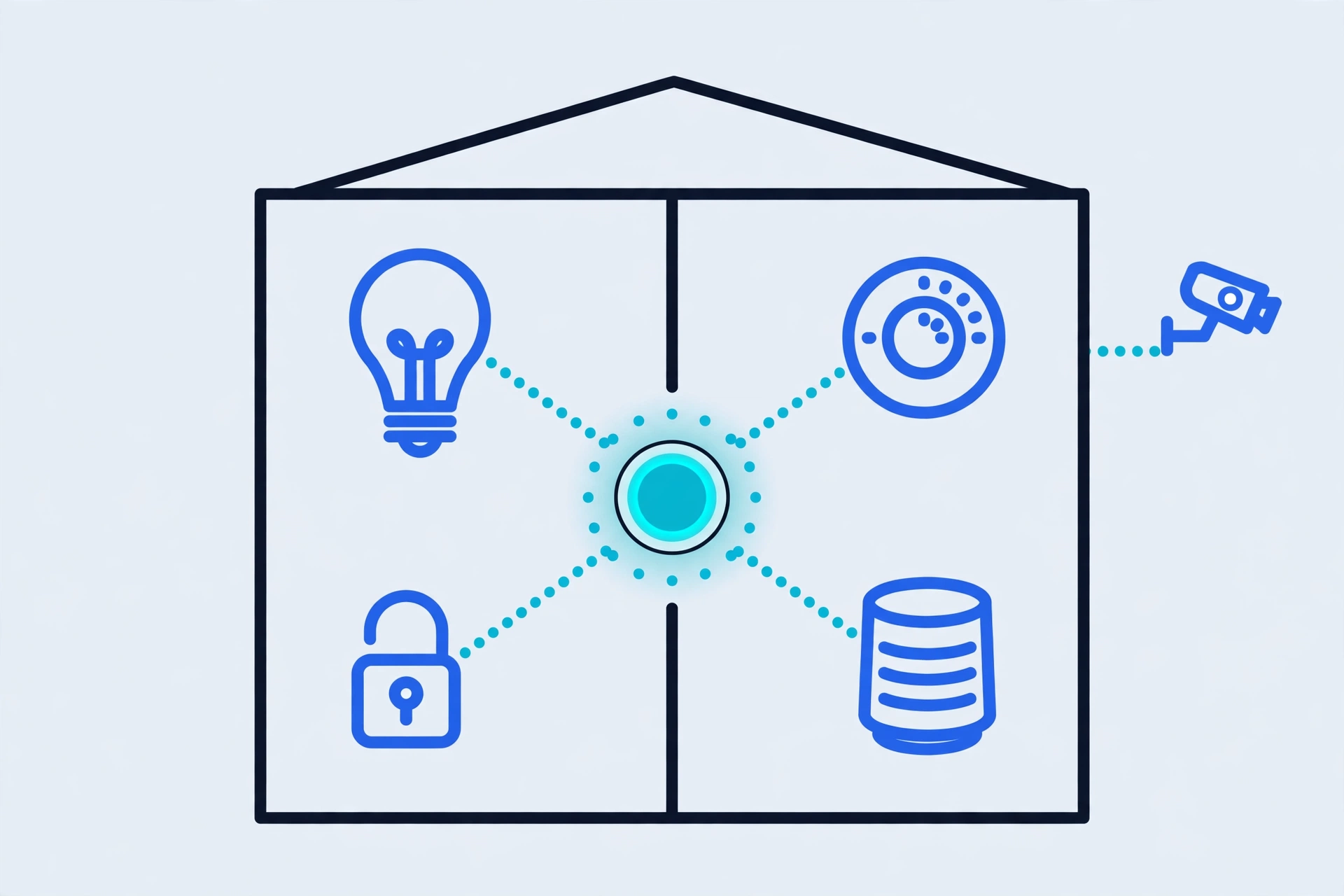
A hub (or controller) is the brain that knows about your devices and runs your automations. It can be a dedicated box, a smart speaker or display with a built-in radio, a streaming device, or a small computer running software like Home Assistant. Wi-Fi-only setups can skip a separate hub, but then the “brain” usually lives in a company’s cloud instead of your house. More on why that matters below.
4. Apps and voice assistants
The app (Alexa, Google Home, Apple Home, SmartThings, Home Assistant) is where you add devices, group them into rooms and build automations. Voice assistants are just another remote control: handy for “turn off the downstairs lights,” but not required for a smart home.
5. Automations: triggers → actions
An automation is a simple rule: when something happens (the trigger), if conditions are met, then do something (the action). Some everyday examples:
| Trigger | Condition | Action |
|---|---|---|
| Front door unlocks after sunset | Nobody else is home | Turn on entryway and kitchen lights |
| Last phone leaves home | — | Lock doors, set thermostat to away, turn off lights and plugs |
| Water sensor detects a leak under the sink | — | Send a phone alert and flash a light (or close a smart water valve if installed) |
| Bedtime button pressed | — | Lock doors, turn off TV plug, dim hallway light to 10% for 5 minutes |
That last-phone-leaves rule is the kind of thing that makes people say “I can’t go back.”
What is Matter, and why does it matter in 2026?
Matter is an open smart home standard, backed by Amazon, Apple, Google, Samsung and hundreds of device makers, that lets a certified device work with any major ecosystem. It’s maintained by the Connectivity Standards Alliance (CSA), the same group behind Zigbee.
Before Matter, you had to check whether a product said “Works with Alexa,” “Works with Google Home” or “Works with Apple Home,” and many only supported one or two. With Matter, a certified device can be added to several ecosystems at once, using a setup code (usually a QR code) on the box.
Where Matter stands today (October 2026):
- Matter 1.0 launched in October 2022 with the basics: lights, plugs, switches, locks, thermostats, blinds and sensors.
- Matter 1.5 (November 2025) added cameras and video doorbells, the biggest gap in the standard until then, plus more energy-management and closure devices.
- Matter 1.6 (June 2026) focuses on easier setup (including tap-to-pair over NFC), better management of devices shared across multiple ecosystems, and smarter thermostat control.
- Matter runs over Wi-Fi, Thread or Ethernet, so “Matter over Thread” just means a Matter device that uses Thread to communicate.
Why it matters for buying in 2026: a Matter-certified device is less likely to strand you if you switch ecosystems later. If you’re buying something new, the Matter logo is the single most useful thing to look for on the box.
What Matter doesn’t fix:
- Platforms adopt features on their own timelines. A device type existing in the spec doesn’t mean every app supports it yet. Check that your ecosystem supports the specific device type, especially cameras.
- Advanced features may stay in the brand’s app. Matter covers the common controls; extras like a camera’s AI detection settings or a robot vacuum’s map editing may still need the manufacturer’s app.
- It doesn’t make cloud services or subscriptions go away. A Matter camera can still have a paid cloud-recording plan.
- Thread devices still need a border router, and a few early setups had rough edges joining multiple Thread networks together.
- Older non-Matter gear only joins in if a hub or bridge translates it.
The main types of smart home devices
| Category | Common devices | What they actually do for you |
|---|---|---|
| Lighting | Smart bulbs, smart switches and dimmers, light strips | Schedules, dimming, scenes (“movie night”), lights that follow motion or sunset |
| Thermostats and climate | Smart thermostats, room sensors, smart AC controllers, air purifiers | Heat or cool based on schedule and occupancy; adjust from anywhere |
| Locks and access | Smart locks, keypad deadbolts, garage door controllers | Unlock by phone or code, give temporary codes to guests, get alerts and lock history |
| Cameras and doorbells | Indoor/outdoor cameras, video doorbells | Live view, motion and person alerts, two-way talk, recorded clips |
| Plugs and energy | Smart plugs, energy-monitoring plugs, smart panels | Make “dumb” devices schedulable, cut standby power, see what uses electricity |
| Sensors | Motion, door/window contact, leak, temperature/humidity, smoke/CO listeners | The triggers behind almost every useful automation |
| Entertainment | Smart speakers, smart TVs, streaming devices, multi-room audio | Voice control, music throughout the house; many also double as hubs or Thread border routers |
| Appliances | Robot vacuums, connected washers/dryers, ovens, refrigerators | Remote start, cycle-done notifications, maintenance reminders |
Which category gives the most value per device? For most people, sensors. A single motion or contact sensor can power several automations, while a smart fridge rarely powers any.
Smart home ecosystems compared: Alexa, Google Home, Apple Home, SmartThings and Home Assistant
Here’s the most important advice in this guide: choose your ecosystem before you choose your gadgets. The ecosystem decides which app you’ll live in, which voice assistant you’ll talk to, how automations work, and whether things keep working when the internet drops.
Local vs cloud control, in plain English
- Cloud control: your command goes from your phone or speaker to a company’s servers on the internet, then back to the device. If your internet or their servers go down, control and automations can stop.
- Local control: the hub inside your home talks directly to the device. Lights and automations keep working during an internet outage, and responses are usually faster.
Most mainstream platforms are a hybrid: some devices and automations run locally (Matter, Thread and Zigbee devices on a local hub often do), while others depend on the cloud. If reliability or privacy matters to you, favor local control.
| Ecosystem | Best for | Strengths | Trade-offs |
|---|---|---|---|
| Amazon Alexa | Households that want easy voice control and broad device support | Huge device catalog, many Echo devices double as hubs, simple routines | Heavily cloud-dependent; Amazon’s business model leans on shopping and services |
| Google Home | Android users and Nest owners | Good app, strong voice assistant, Nest devices integrate cleanly, many speakers/displays act as Thread border routers | Google has a history of changing or retiring products and integrations; automations are improving but less granular than enthusiast tools |
| Apple Home (HomeKit) | iPhone households that value privacy and polish | Strong privacy stance, end-to-end encrypted options, solid local control through a home hub (HomePod or Apple TV), clean app | Needs Apple devices; a home hub is required for automations and remote access; smaller native device catalog (Matter has helped a lot) |
| Samsung SmartThings | People who want a flexible middle ground and Samsung TV/appliance owners | Wide protocol support, more advanced automations than the big voice platforms, some Samsung TVs and appliances double as hubs | App can feel busy; some features still depend on Samsung’s cloud |
| Home Assistant | Tinkerers, privacy-first users and anyone with a homelab | Open-source, local-first, supports thousands of integrations, incredibly powerful automations, no required account | Steeper learning curve; you’re your own IT department (updates, backups, hardware) |
Do you have to pick just one? No, and thanks to Matter, many people run two (for example, Apple Home for family use and Home Assistant behind the scenes). But beginners do best with one primary app. Every extra app is another place where something can break.
The benefits of a smart home (with honest weight)
- Convenience: real, but it comes from automations. Controlling lights from your phone gets old fast. Lights, locks and climate that respond on their own don’t.
- Energy savings: possible, not guaranteed. Smart thermostats and plug schedules can cut waste, but only if your settings are sensible. A smart thermostat with a bad schedule saves nothing.
- Security and peace of mind: strong. Locks you can check remotely, leak sensors that warn you early, and doorbell cameras are among the most-loved smart home devices for good reason.
- Accessibility: underrated. Voice control, automatic lighting and remote lock control can make daily life meaningfully easier for older adults and people with limited mobility or vision.
The real disadvantages of a smart home
Most “what is a smart home” pages skim past this part. Don’t.
Privacy
Cameras, microphones and even motion sensors generate data about when you’re home and what you do. Some of it is processed or stored in the cloud. Read what each product collects, turn off features you don’t use, and favor devices and platforms that process data locally.
Cloud outages and vendor shutdowns
When a smart home depends on a company’s servers, the company’s problems become your problems. The clearest example is Insteon: in mid-April 2022, its servers went dark with no warning, and users found the app dead and their hubs unable to reach the cloud. Schedules already stored on hubs kept running and physical switches still worked, but remote control and app changes stopped. A group of Insteon users bought the company’s assets that June and brought the service back, but on a new subscription model, and not every customer waited around.
The lesson isn’t “avoid smart homes.” It’s: favor open standards (Matter, Zigbee, Z-Wave, Thread) and local control, so a single company’s decisions can’t switch off your house.
Complexity
Every app, firmware update and battery is a small chore. Done badly, a smart home is less convenient than light switches. Keep it simple, and make sure every smart switch still works as a normal switch for guests and family.
Cost creep and subscriptions
Hardware is a one-time cost; cloud video storage, advanced alerts and “premium” features often aren’t. Before buying a camera or security system, check what works without a subscription.
E-waste and device lifespans
Smart devices stop getting updates eventually. Cheap no-name gadgets may never get one. Buying fewer, better-supported devices on open standards is the best defense against a drawer full of e-waste.
Smart home security and privacy basics
You don’t need to be a network engineer to run a safe smart home. Cover these basics:
- Use unique passwords and turn on two-factor authentication (2FA) for every smart home account, especially the main ecosystem account and camera apps.
- Keep firmware updated. Turn on automatic updates where available, and retire devices that no longer get security patches.
- Put IoT devices on a separate network. A guest network or a dedicated IoT network (VLAN) keeps a compromised gadget away from your laptops and phones. Our guide on how to secure a homelab network walks through network segmentation step by step.
- Be smart about camera placement. Point outdoor cameras at your own property, not neighbors’ windows. Indoors, avoid bedrooms and bathrooms, and use privacy shutters or schedules that disable cameras when you’re home.
- Consider local video storage. Some cameras can record to a local hub, an SD card or a NAS server instead of the cloud, which helps with both privacy and subscriptions.
- Remove what you don’t use. Delete old devices from your apps and unlink services you’ve stopped using.
How to start a smart home: begin with three devices
You don’t need everything at once. In fact, starting big is the most common beginner mistake. Here’s a path that works:
Step 0: Pick your ecosystem. Go with what your phone and existing devices already favor (Apple Home for iPhone households, Google Home for Android/Nest homes, Alexa if you already own Echo speakers). If you have a homelab or love tinkering, Home Assistant is worth a look from day one.
Device 1: A smart plug. It’s the easiest win: put a lamp or fan on a schedule, or have a lamp turn on at sunset. Choose one that supports Matter.
Device 2: A sensor (motion or door contact). This is where automation clicks. A motion sensor can turn on a hallway light at night; a contact sensor can alert you when the back door is left open.
Device 3: Smart lighting or a smart thermostat. Pick the one that solves a daily annoyance. Smart bulbs or a smart switch for rooms you use every evening; a smart thermostat if your heating and cooling schedule is a constant battle.
Live with those three for a few weeks. If they make life easier, add one device at a time, always asking: what problem does this solve?
Smart home tips for renters
Renters can absolutely have a smart home. Focus on things you can take with you:
- Smart plugs, bulbs and lamps (no wiring needed).
- Battery-powered sensors with adhesive mounts.
- Retrofit smart locks that replace only the interior thumb-turn, so your existing keys still work (ask your landlord first).
- Battery or plug-in video doorbells and indoor cameras, placed with roommates’ and neighbors’ privacy in mind.
- Portable climate gadgets like smart AC controllers or smart air purifiers.
Avoid anything that requires rewiring, like hardwired switches or thermostats, unless your landlord approves, and keep the original parts to reinstall when you move out.
Is a smart home worth it?
For most people, a small, well-chosen smart home is worth it; a big, unplanned one often isn’t. If you start with one ecosystem, buy Matter-certified devices, favor local control and add devices only when they solve a real problem, you’ll get the convenience without the headaches. If you’re already running a homelab, a local-first platform like Home Assistant can tie it all together without relying on anyone’s cloud.
Ready to go deeper? Start by locking down your network with our guide to securing a homelab network, then explore local storage options in our NAS server guide.
Frequently asked questions
What is a smart home in simple terms?
A smart home is a home with connected devices, such as lights, locks, thermostats and cameras, that you can control from your phone or voice and that can run automatically based on schedules, sensors or each other.
Do I need a hub for a smart home?
Not always. Wi-Fi devices work without a separate hub. Zigbee, Z-Wave and Thread devices need a hub or border router, but many smart speakers, displays and streaming devices have one built in. A hub also makes local control possible.
What is the difference between Matter and Thread?
Matter is the common “language” that lets devices work across ecosystems. Thread is one of the networks Matter can travel over: a low-power mesh. A device can be “Matter over Thread” or “Matter over Wi-Fi.”
Does a smart home work without internet?
Partly, depending on your setup. Devices and automations running on a local hub (common with Matter, Thread, Zigbee and Z-Wave, and especially Home Assistant) keep working during an outage. Cloud-dependent devices may stop responding until the connection returns.
Are smart homes safe from hackers?
They can be reasonably safe if you use unique passwords, turn on two-factor authentication, keep firmware updated, buy from brands that provide security updates, and put smart devices on a separate network.
Can renters have a smart home?
Yes. Smart plugs, bulbs, battery sensors, retrofit smart locks and plug-in cameras can all be installed without permanent changes and taken with you when you move. Check with your landlord before changing locks.
Which smart home ecosystem is best for beginners?
The one that matches the phone and devices you already own: Apple Home for iPhone households, Google Home for Android users, Alexa if you have Echo speakers. Home Assistant is the most powerful but best suited to people comfortable with some tinkering.
Do smart home devices require subscriptions?
Most lights, plugs, sensors, locks and thermostats don’t. Cameras, doorbells and professionally monitored security systems often charge for cloud video history or advanced alerts, so check what works for free before you buy.