Homelab: What It Is, Why You’d Want One, and How to Start (2026 Guide)

A homelab is a home server setup for learning and self-hosting. Learn how it differs from a NAS and follow a step-by-step plan to start your first one.


A homelab is a home server setup for learning and self-hosting. Learn how it differs from a NAS and follow a step-by-step plan to start your first one.

Find your GPU name fast: open Task Manager, go to Performance, click GPU. Plus two backup methods, the two-GPU answer, and quick Mac and Linux checks.
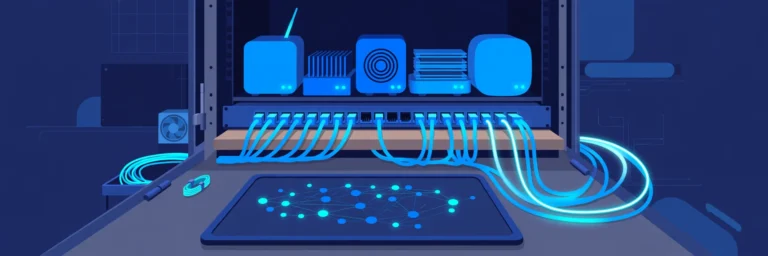
Manage multiple devices in a homelab with one simple system: naming, IP plan, docs, dashboard, alerts, updates, remote access, UPS shutdown and config backups.

Distro is short for distribution: a complete Linux-based OS. See what’s inside one, how Ubuntu, Fedora and Arch differ, the family tree, and which to pick.

Typical GPU temperature ranges for idle, gaming and full load, plus official NVIDIA and AMD limits by card family. Core, hotspot and VRAM explained.
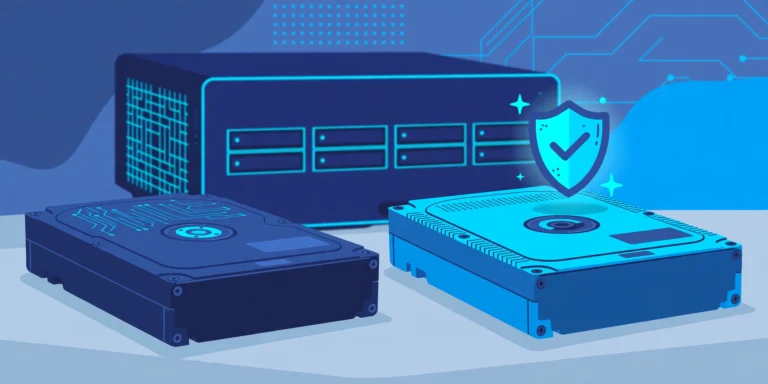
How to choose a NAS hard drive in 2026: check compatibility (Synology DSM 7.3 too), size RAID capacity, confirm CMR, pick the right tier, then burn in.

Set up a Windows 11 and Ubuntu dual boot the safe way: backup and BitLocker key first, shrink in Windows, keep Secure Boot on, fix the clock and boot order.
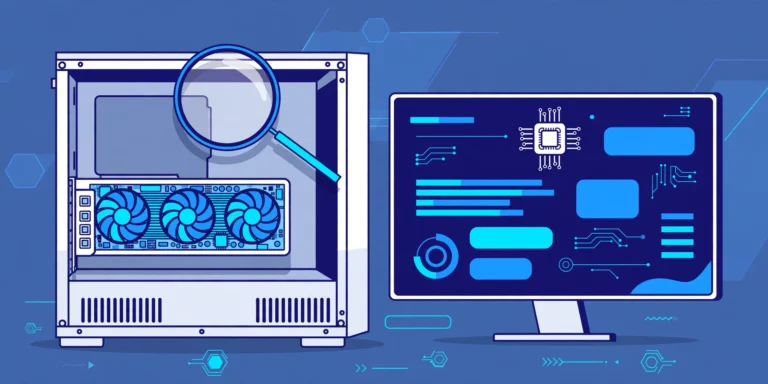
Find your GPU in 30 seconds with Task Manager, then learn to read what you see: two GPUs, Basic Display Adapter, VRAM, and what to do next.

Learn basic Linux commands step by step: 18 beginner commands, practice tasks, and fixes for common errors. Open a terminal and follow along.

What is a NAS HDD? See how NAS hard drives differ from desktop, surveillance and enterprise drives, and decode TLER, CMR, RV sensors, workload and MTBF.